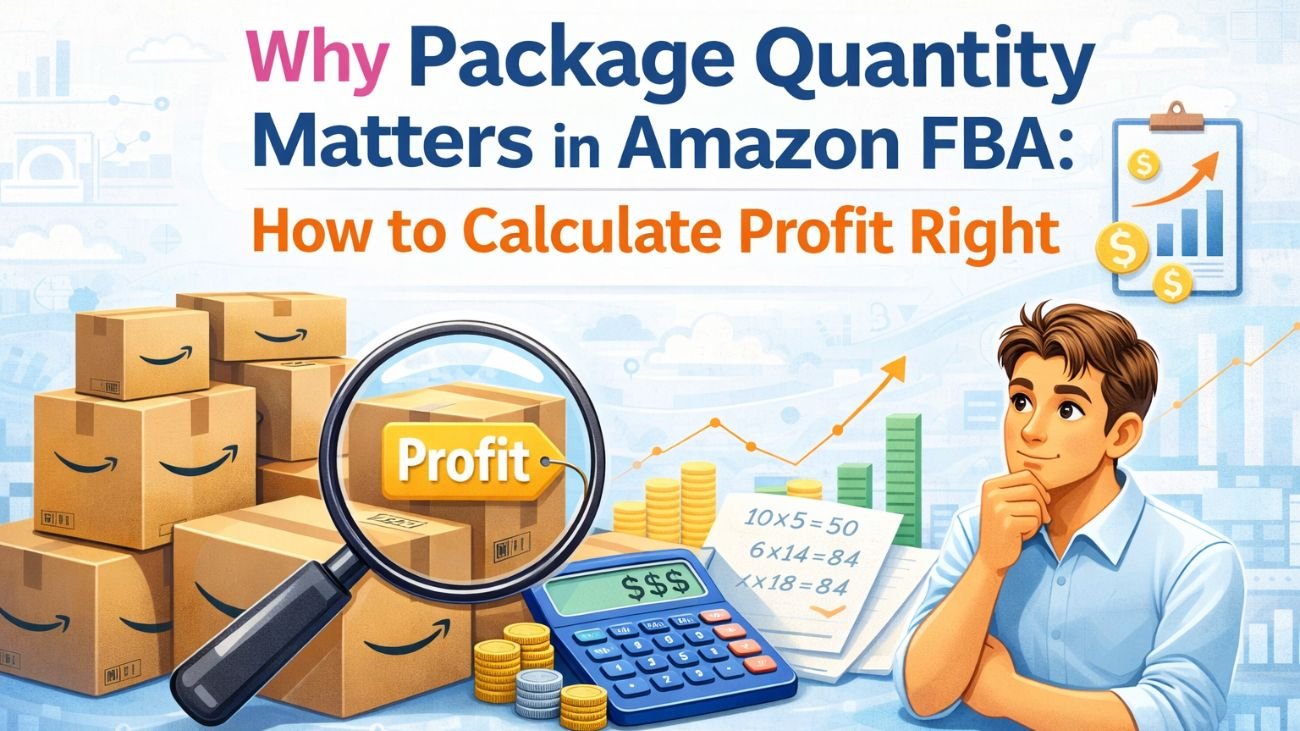
Why Package Quantity Matters in Amazon FBA: How to Calculate Profit Right

Spending long stretches hunting for winning items on Amazon FBA? Often, profit vanishes despite effort. A hidden culprit lurks beneath – how many units go into each shipment box? Seemingly minor, this detail quietly shapes margins.
Breaking this down clearly helps prevent costly errors and ensures accurate profit calculations.
What Is Package Quantity (PQ)?
A single Amazon listing’s item count defines its package quantity. What shows up in the bundle reflects PQ directly. Quantity per container forms the basis of this metric. One listing might hold several pieces – this total is PQ. The number tied to a sale unit indicates how much comes together.
Example:
- A listing says “Pack of 3 toothpastes.”
- One sale on Amazon results in 3 items moving out of inventory
Here lies the issue:
Besides individual items, suppliers tend to offer products one at a time; Amazon, however, frequently bundles them. Though some vendors stick to singles, bulk options appear more commonly on that platform.
Why This Causes Confusion
Let’s say:
- Supplier price = $5 per item
- Amazon listing = Pack of 2
If You Ignore PQ
- You think cost = $5
But in reality:
Two things are required, meaning the actual price comes to $10
This mistake pops up often among vendors, despite their reliance on tools like an Amazon calculator or a pricing estimator for the platform.
Package Quantity Affects Profit
1. It Changes Your Real Cost (COG)
COG Equals Supplier Price Times Package Quantity
Mistakes in multiplication lead to wrong profit figures. A single error changes the outcome entirely. Without accurate math, results shift unexpectedly. Getting the numbers right matters more than it first appears. Wrong steps early on distort everything that follows.
2. Profit and ROI Impacted
A look at how things stack up becomes clear when placed side by side
Without PQ
- Cost = $8
- Selling Price: Twenty Dollars
- Profit = $12
With PQ
- Cost = $16
- Selling Price: Twenty Dollars
- Profit = $4
A big gap exists between expectations and reality. Should pricing details be off, even the top Amazon fee tool fails to deliver accurate numbers. Wrong PQ values skew every outcome.
3. Break-Even Price Affected
A point where costs are exactly covered defines break-even. This level means no gain, yet also no loss occurs. At such a value, income matches expenses precisely. Reaching it signals that financial balance has been achieved.
When costs are miscalculated, so too becomes the break-even point. A mistake at the start shifts everything that follows. Wrong numbers early on distort later outcomes. Accuracy matters because errors spread. The starting figure shapes what comes after it. Miscalculations here lead to false conclusions there. Initial precision affects final results.
It seems secure, yet losses may still occur without notice. Though confidence feels justified, actual results often differ behind the scenes.
4. False Deals Seem Profitable
When you analyze products in bulk:
- A mistaken PQ reveals a reduced expense
- Lower cost shows higher ROI
Poor purchasing choices often result in stock sitting unused. A mismatch between demand and supply shows clearly here.
PQ Influence on Amazon Metrics
On occasion, pricing seen through Amazon’s calculation tools ties back to PQ. What shows up there links directly to how PQ behaves. Depending on the item, adjustments appear based on that core value. Sometimes small shifts in output trace to changes in PQ behind the scenes. The numbers generated aren’t standalone – they respond when PQ moves. Behind every result sits some form of PQ influence. Results shift not by chance, but because PQ changed first.
- Cost of Goods (COG)
- Amazon fees
- Taxes
- Profit
- ROI (Return on Investment)
If PQ increases:
- Cost increases
- Profit decreases
- ROI drops
How to Figure Out Profit
Here’s the correct way:
Real Cost = Supplier Price Times Package Quantity
Profit = Selling Price minus (Real Cost plus Amazon Fees)
Always use this formula when working with any Amazon seller fees calculator.
Real Example Easy to Understand
Let’s say:
Supplier price = $6
A single set holds three units. Three come inside each box delivered. Triple items make up what arrives together.
- Amazon selling price = $25
- Amazon fees = $8
Calculate Actual Cost
$6 multiplied by 3 = $18
Calculate Profit
$25 minus ($18 plus $8) = negative $1 (loss)
Thinking Without Packagr Quantity
$25 minus ($6 plus $8) = $11 profit
Truth is, funds are slipping away.
Package Quantity Leading to Losses
PQ becomes risky in:
- A pair, like two together or sometimes four bundled. Different amounts grouped into one offering
- Bundles where different items are sold together
- Kits or combo products
Frequent occurrences show up within wholesale plus internet-based trading strategies.
Before relying on your Amazon calculator output, verify PQ each time – accuracy depends on it.
Handling Package Quantities Correctly
- Always Check Listing Details
Look for:
- Pack of X
- Set of X
- Bundle
2. Match supplier units with the Amazon listing
Ask yourself:
One sale requires how many units?
3. Adjust Your Calculations
Start by taking your cost. Multiply it by PQ before applying an Amazon price calculator. That step comes first every time.
4. Recalculate All Steps
Update:
- Cost
- Fees
- Profit
- ROI
A fair number of tools – such as a fee estimator for Amazon sellers – let users adjust pricing by hand; take full advantage of this option when available. Since every business has unique expenses, relying solely on preset values can skew outcomes. Working through each figure step by step helps avoid those inaccuracies.
How bulk tools work explained simply
Finding gaps in pricing becomes faster when software handles the review.
Besides working it out by hand,
- Cost gets multiplied by the number of items in each box, done without manual input.
- Update profit and ROI instantly
- Help you filter only truly profitable products
Final Thoughts
A single package count could change everything behind the scenes. Though minor in appearance, how many items come in one box quietly shapes profit margins on Amazon.
Ignoring it can lead to:
- Wrong profit calculations
- Bad sourcing decisions
- Financial losses
Double-check how many items are in your shipment before relying on an Amazon pricing tool. Inputs matter more than the tool itself sometimes. Mistakes here ripple through every result later. Always confirm totals first – assumptions lead nowhere good.
Remember: A single Amazon transaction sets the profit, rather than each item received from a vendor.