Amazon Seller Account Suspended? Here’s The Fastest Recovery Plans

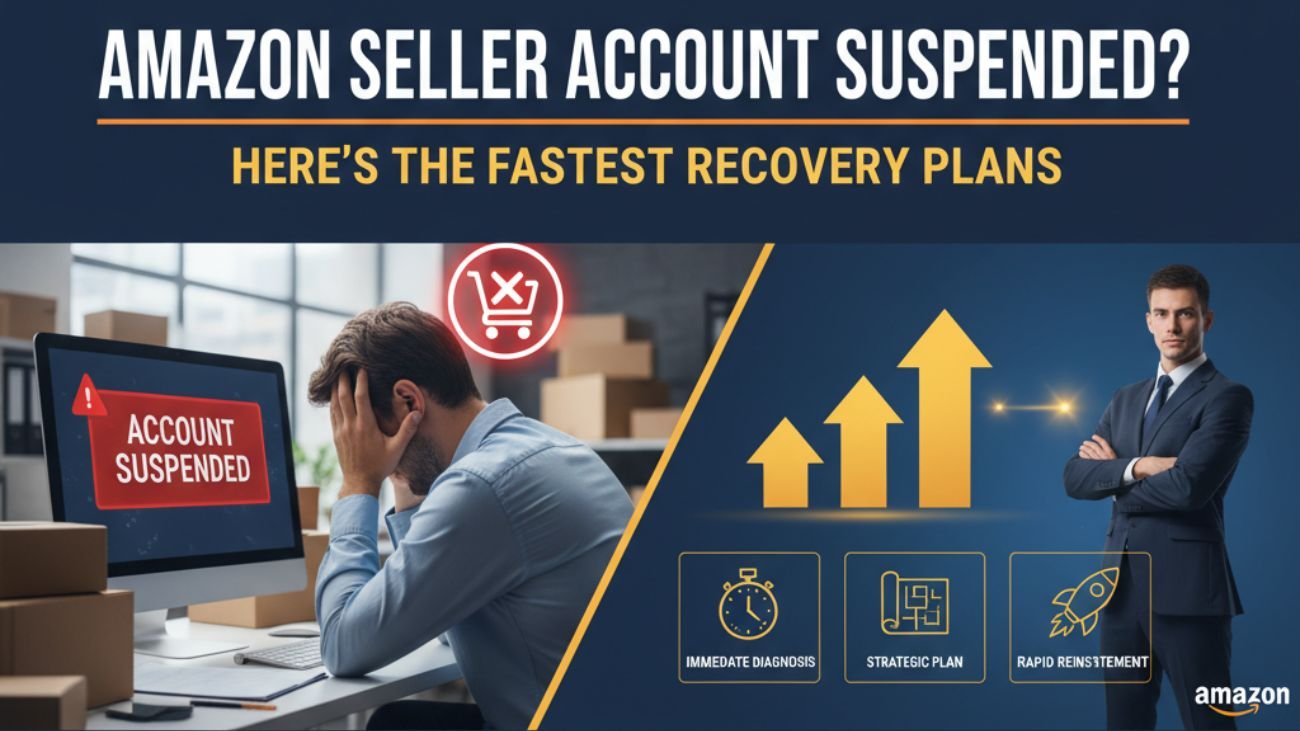
The process of selling on Amazon can be extraordinarily fulfilling—but if your Amazon seller account gets suspended, it may feel like your business has come to a dead stop. Whether you have received a warning, a performance notification, or a complete suspension, being quick and strategic will be the key to recovering your account. You can consider hiring Amazon account management services for the best solutions.
In this blog, we will walk you through why suspensions happen, how to write the ideal Plan of Action (POA), and get your Amazon seller account reinstated in the fastest way possible.
Reasons why Amazon Suspends Seller Accounts
Any actions taken that would jeopardize marketplace trust can lead to account suspensions. Common reasons include:
- Poor Performance Metrics: High late shipment rates, low order defect rates (ODR), or negative customer feedback.
- Policy Violation: Listing restricted products, manipulating reviews, or intellectual property (IP) violations.
- Multiple Accounts: Having more than one active seller account without Amazon approval.
- Inauthentic or Counterfeit Products: Selling products without invoices to support authenticity.
- Customer Complaints: Claims based on product quality, delivery issues, or misleading listings.
Before you do anything, figure out the main cause of your suspension. Every path to reinstatement is based upon identifying the cause of the problem.
Step 1: Don’t Panic – Review the Suspension Notice
In the event that Amazon suspends your account, you will need to check your email as well as the Seller Central dashboard for a Performance Notification that is sent from their company. This notification indicates:
- The reason why your account was suspended
- The listings or products affected.
- If an appeal is an option
Take your time reading this over and doing so carefully. Many sellers can end up in a position where they do not understand the issue at hand and appeal the suspension as quickly as possible, prolonging their reinstatement process.
Step 2: Gather Documentation
Before you begin your appeal, be sure to collect all documentation to support your side of the appeal. This would include the following:
- Supplier invoices or receipts that demonstrate the product’s authenticity
- Tracking IDs and confirmations of delivery for late shipments
- Screenshots of any customer communication
Documents demonstrating you have made changes to your business practices, or have enacted new checks regarding the quality of items sold or listing details
Step 3: Develop a Strong Plan of Action (POA)
Amazon wants to know three things that they will have the ensure that you:
- Identified the root cause of the suspension
- Have made corrective actions to address the issue
- Implemented preventive measures so that this will not happen again
Here is a simple POA format that works:
A. Root Cause
Identify the root cause factually, and keep it brief. Do not use any emotional language or reference Amazon.
Example: “The issue occurred as a result of our team not having verified supplier documentation in full, which in turn caused a suspension from a livelihood. “
B. Corrective Action
Describe what you have done so far to correct the issue.
Example: “We acted immediately by removing the listings, verified supplier documentation, and submitting every authenticity proof we had.”
C. Preventive Action
Explain what steps you have implemented to prevent future issues.
Remain professional, clear, concise, and confident. Do not write long stories or try to appeal to Amazon’s emotions. Amazon’s review team wants clarity and organization.
Step 4: Submit Your Appeal Correctly
When your POA is ready, you will submit it through Seller Central → Performance → Account Health → Appeal.
If your appeal is denied, do not just send the same plan of action. Look at the response provided by Amazon, and next round out your POA with other verifiable details; consider resubmitting your appeal after 3 to 5 business days.
Bonus Tip: Avoid Being Suspended Again
As soon as your suspended account is restored, you need to maintain ongoing performance and compliance in your account so it won’t be suspended again. Here are some ways to do that:
- Check your Account Health Dashboard once a week.
- Keep your order defect rate below 1%, your late shipment rate below 4%, and your order cancellation rate below 2.5%.
- Respond to your customer messages within 24 hours.
- Update your product listings often to confirm compliance with Amazon’s policies, processes, and requirements.
- Avoid any unethical completions like fake reviews or keyword stuffing.
Prevention is always easier – and cheaper – than reinstatement.
In Closing
An Amazon seller account suspension is not the end of your business; it is a small hurdle in time. As long as you stay calm, remain objective in thinking about the root cause of the suspension, and write-read-write a complete Plan of Action, you will find that you will have your account reinstated faster than you may think. You can always seek professional guidance from Amazon account management services.