


How to list product on Myntra

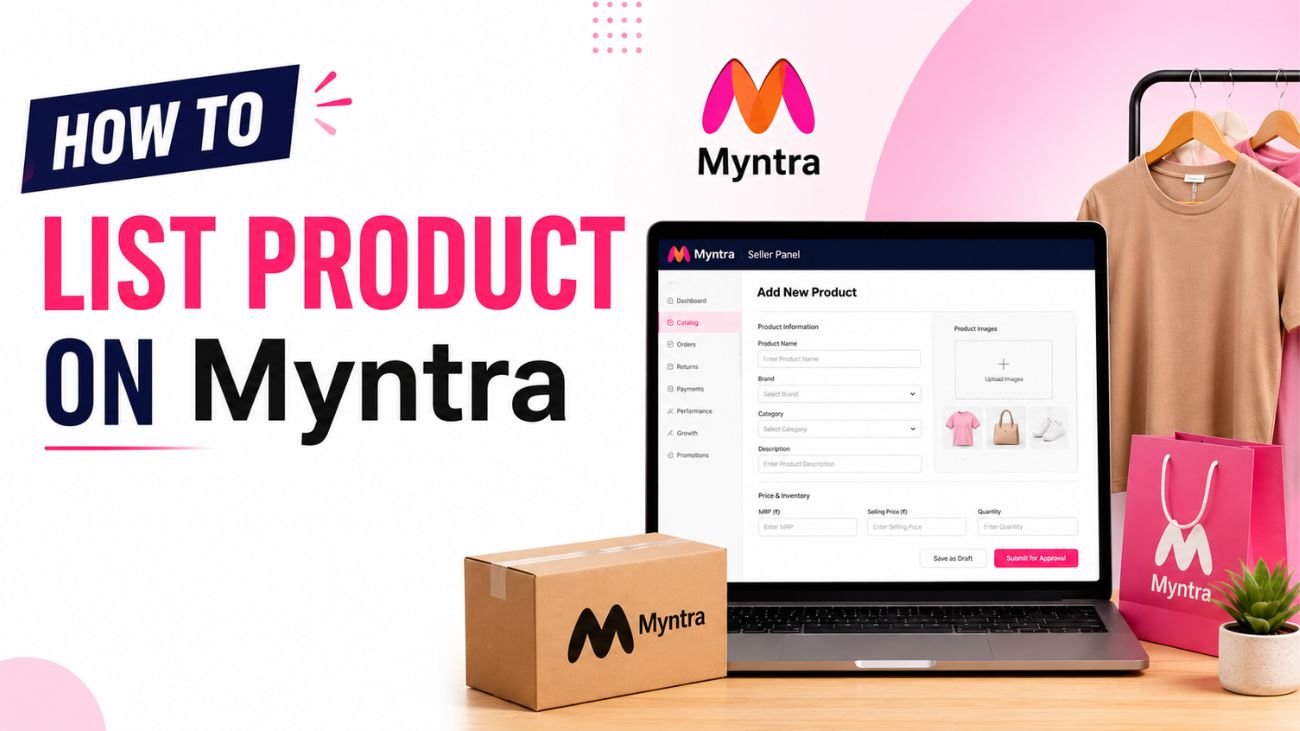
With the paradigm shift in fashion and lifestyle ecommerce, Myntra has emerged as the most trusted online marketplace. Brands and sellers planning to scale up their business by selling on Myntra attract potential customers on Myntra. However, many businesses consider product listing and onboarding on this marketplace complicated. This is specifically evident among the new sellers. That’s precisely where Selling OS steps in to address the concerns of sellers while helping them with account setup, ongoing market support, and catalogue management. Our Myntra seller account management services simplify the entire process of product listing while providing comprehensive assistance to the sellers.
In this blog, we will highlight the complete process to list products on Myntra in a concise and step-by-step methodology.
Benefits of selling on Myntra
Prior to addressing the topic of how to list products on Myntra, it is essential to know the reason to sell on Myntra. The following are some of the top benefits of selling on Myntra:
- Worldwide presence in fashion and lifestyle categories
- Improved visibility for top-notch brands
- Accessible by millions of shoppers
- A higher scope of marketing and promotional opportunities
- Improved potential for increased sales and brand recognition
Myntra offers an excellent platform to you, irrespective of the market niche your brand offers. From lifestyle accessories, clothing, and footwear manufacturers, a wide scope of reaching your potential customers can be explored. Let’s proceed with the process of listing products on Myntra:
Listing products on Myntra – A step-by-step guide for beginners
Step 1: Myntra seller registration
You need to create a seller account to begin with Myntra’s onboarding. To accomplish this goal, documents such as PAN Card, GST registration certificate, Bank account details, business authorization letter, business registration documents, and address proof need to be uploaded.
At Selling OS, we assist the sellers in submitting complete applications to avoid delay due to incomplete documentation or incorrect information. Our Myntra seller account management professionals prepare and verify all the documents before submission to make seller approval efficient.
Step 2: Accurate Seller Verification
After the successful submission of the application, the business details of the seller are reviewed and verified by Myntra. As a part of verification, product category suitability is evaluated along with the assessment of:
- Brand authenticity
- Brand ownership or authorization
- Compliance with marketplace policies
Approval timelines depend upon the intricacy involved in the documentation quality and product category of the seller. At Selling OS, our professionals focus on the onboarding process and address all the requirements, thereby helping the sellers get verified by Myntra.
Step 3: Getting familiar with the product listing requirements of Myntra
After getting approved as a seller on Myntra, it is essential to get familiar with the marketplace’s catalogue standards. This includes product title, brand name, product specifications, optimized product description, high-resolution images, pricing details, size and colour variants, and inventory information. It is ideal to understand that the listing quality influences visibility and conversion directly.
Step 4: Design High-resolution images
Images play a vital role in helping the customer decide whether to buy a product or not. Hence, some of the best practices of designing high-resolution images according to Myntra’s standards include:
- Maintain a clean background
- High-resolution images should be used
- A variety of angles should be used to display the product
- Important specifications related to the product should be highlighted
- Myntra image designing should be followed
At Selling OS, we help sellers in finalizing the Myntra-compliant product image catalogue.
Step 5: Product Titles need to be optimized
A properly optimized title helps customers in searching for products of their choice efficiently
Optimized Product Title Format
Brand + Product Type + Key Feature + Colour
Example:
Women’s Printed Tip Toe Shoe – Green
Avoid
- Overuse of keywords
- Excessive use of symbols
- Promotional language
The objective is to make the title easy-to-understand, accurate, and searchable.
Step 6: Product Descriptions should be detailed and accurate
Product descriptions enable customers to understand what they are buying. The information included in the description should include fabric details, product features, fit type, material composition, care instructions, usage occasions, etc.
Step 7: Product Attributes should be mentioned accurately
Attributes play a vital role in helping shoppers use a filter system to find the product of their choice. The common attributes of products include colour, material, pattern, occasion, gender, size, etc. The search visibility of products may be reduced due to incorrect attributes, leading to a negative experience for customers. Hence, it is advisable to check the details of products twice before submitting them.
Step 8: Uploading the information related to inventory and pricing
The next step is related to stock and pricing configuration. The essential details to be focused on include selling price, MRP, SKU codes, discount percentage, and available inventory quantity. It is also important to ensure that overselling or stock-outs are avoided to keep inventory intact.
At Selling OS, our professional catalogue management team monitors inventory updates and pricing accurately. This helps businesses in maintaining marketplace operations in an uninterrupted manner.
Step 9: Product submission for Quality Review
Myntra reviews the catalogue to check quality compliance before the products go LIVE. Some of the popular reasons for rejection include:
- Incomplete descriptions
- Missing attributes
- Poor image quality
- Pricing mismatch
- Incorrect categorization of products
Sellers can rectify these issues and resubmit their product catalogue. Nevertheless, at Selling OS, our dedicated Myntra seller account management experts audit catalogues to minimize rejection rates and make approvals efficient.
Step 10: Monitoring and Optimization of Seller Performance
After the successful product listing, sellers need to consistently monitor product views, conversion rates, customer feedback, inventory levels, and return rates. On the other hand, seller performance needs to be optimized by:
- Updating images when necessary
- Running promotional campaigns
- Evaluation of the best-selling products
- Updating product descriptions periodically
- Competitive pricing should be maintained
These two interlinked steps enhance the visibility and sales performance of the seller’s brand over time.
For detailed product listing assistance on Myntra, connect with Selling OS and seek personalized solutions.
